
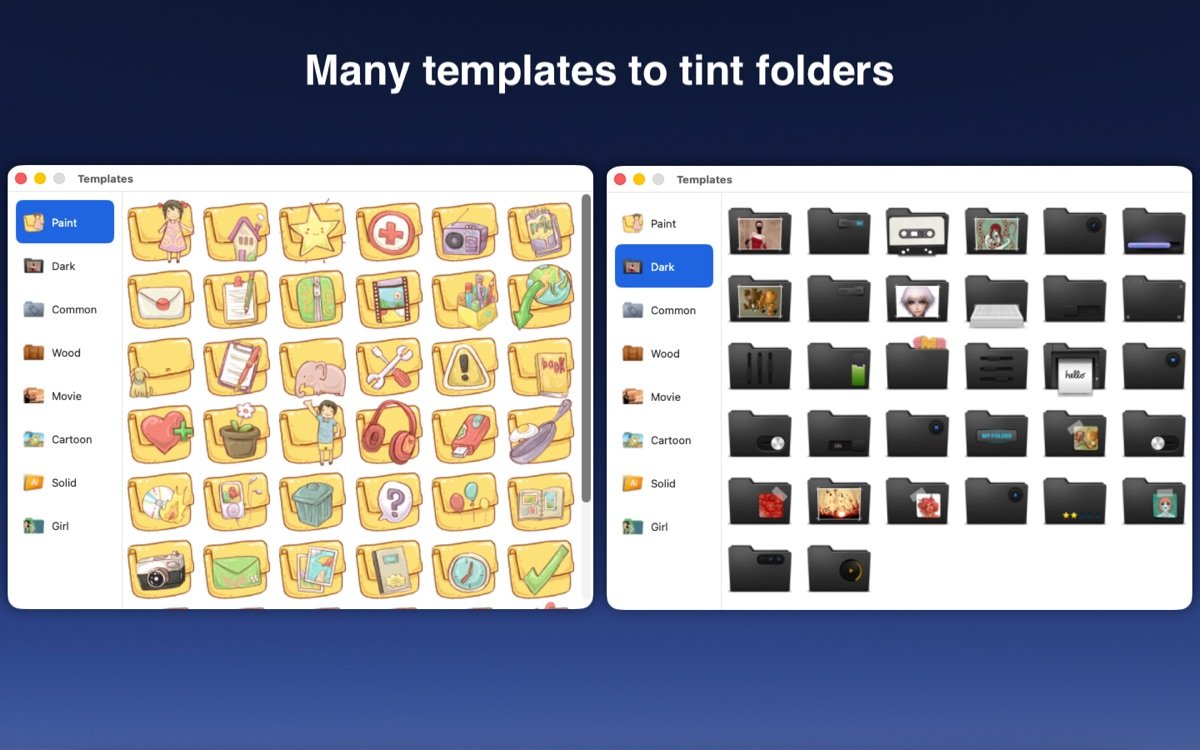
Color Folder for Mac是一款专注于Mac文件夹自定义的实用工具,它帮助用户通过更改图标颜色和样式来优化文件管理体验。无论你是需要快速区分工作文档、项目文件夹还是个人收藏,这款软件都能提供灵活的自定义选项,让你的桌面和Finder变得井井有条。内置数百种模板和颜色选择,用户可以轻松创建独特图标,同时支持图片导入,确保每位用户都能根据需求打造专属风格。作为Mac生态中的文件夹管理利器,它强调简便操作和高效输出,深受设计师、办公人士和普通用户的青睐。通过Color Folder for Mac,你能将平凡的蓝色文件夹转化为色彩斑斓的组织系统,提升整体工作流畅度。
发展历程
Color Folder for Mac自2020年推出以来,不断迭代优化以适应Mac系统更新。从最初的简单颜色更改功能,到逐步引入图片自定义、批量处理和模板扩展,软件经历了多次重大升级。早期版本聚焦于性能提升和bug修复,如2020年的2.0版改善了整体运行速度。2022年3.0版新增任意图片作为图标的支持,标志着自定义能力的飞跃。随后,软件兼容macOS Big Sur及更高版本,并在2024年引入订阅模式,进一步丰富了图标库。进入2025年,4.x系列版本支持macOS Sonoma和Sequoia,优化了设计模板和用户界面,确保在最新系统下稳定运行。如今,Color Folder for Mac已成为文件夹自定义领域的可靠选择,累计更新超过20次,始终致力于用户反馈驱动的改进。
主要功能
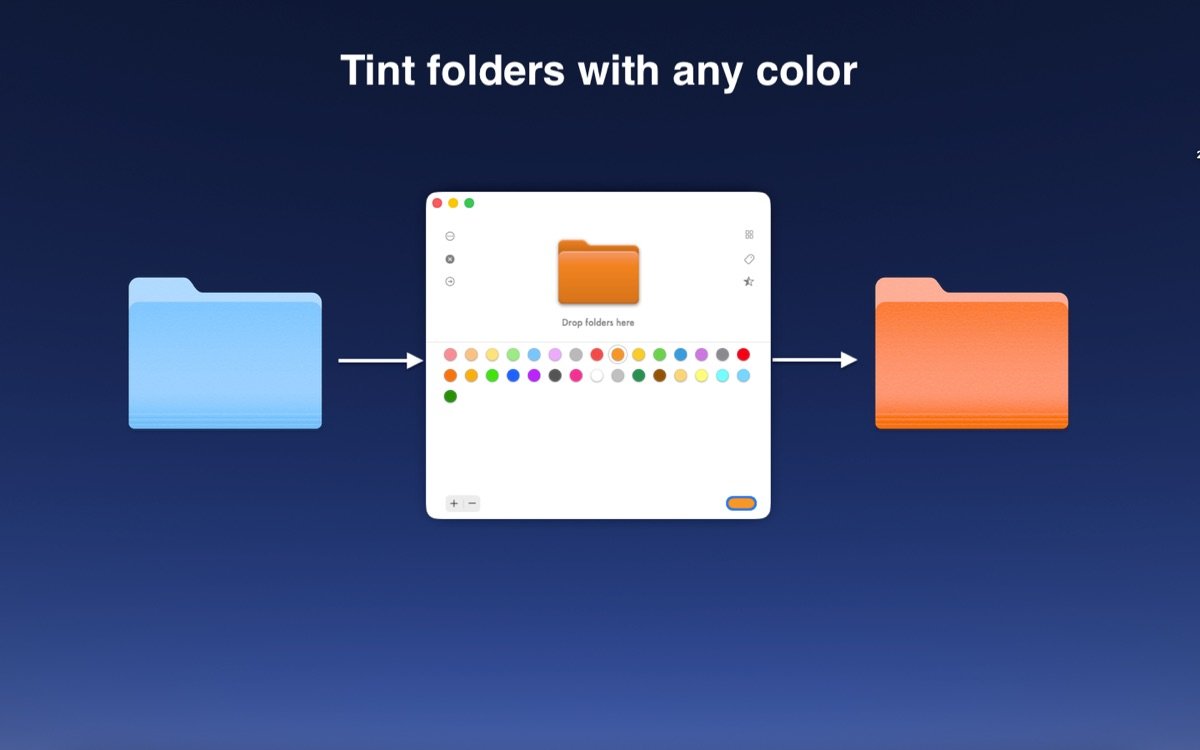
1. 快速更改文件夹图标颜色,支持任意色值调整以匹配个人偏好。
2. 使用本地图片作为文件夹图标,实现高度个性化的视觉效果。
3. 批量处理多个文件夹,一次性更改图标节省时间。
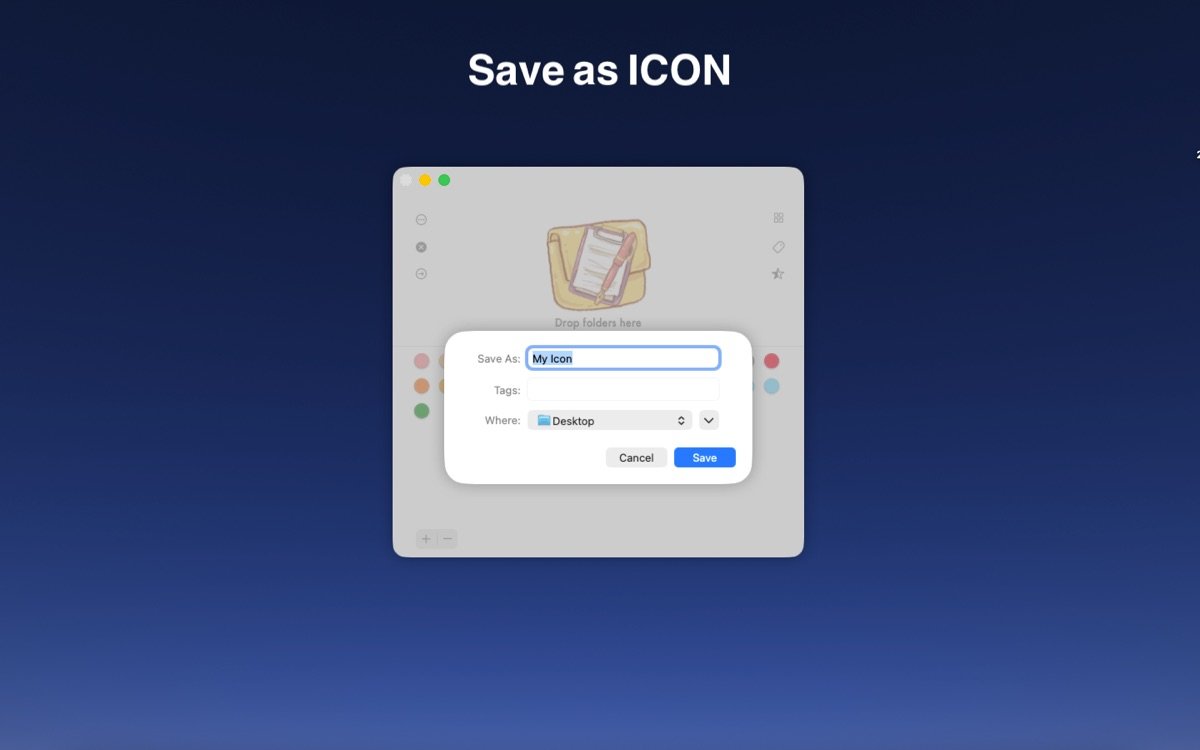
4. 导出自定义图标,便于在其他设备或项目中重复使用。
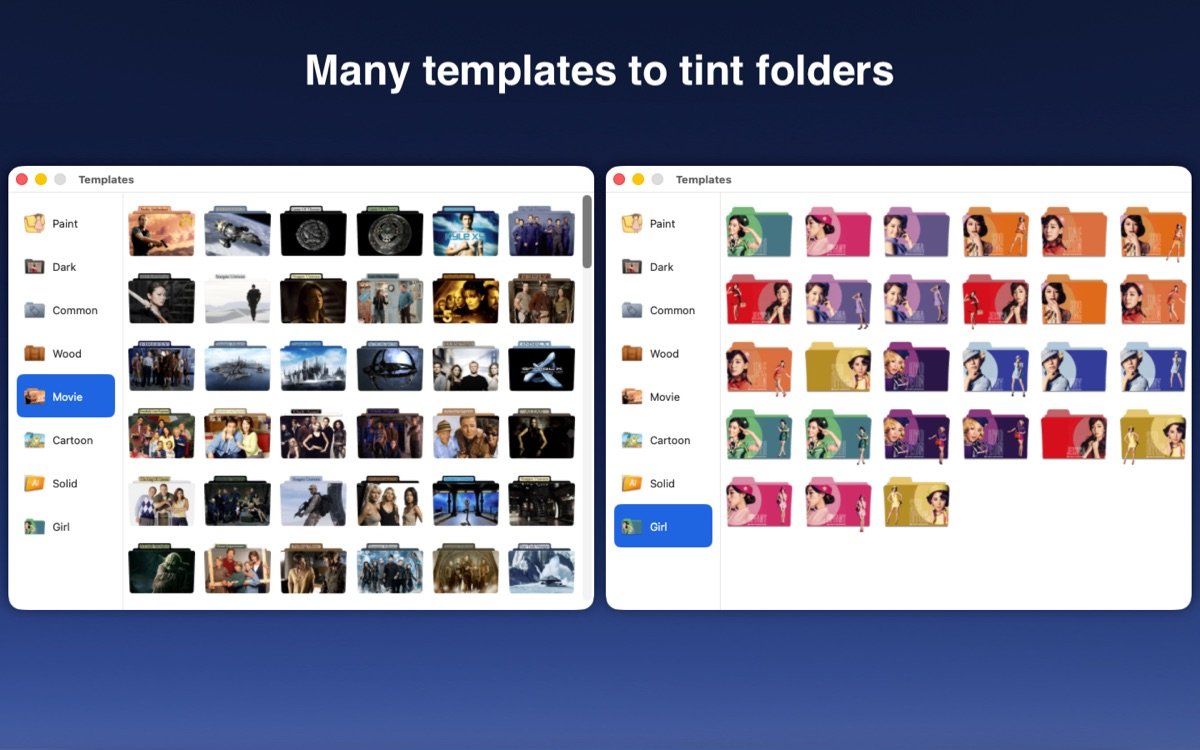
5. 内置超过700个专业模板,覆盖各种主题和样式。
6. 兼容macOS最新版本,确保无缝集成Finder操作。
用户评价
"its a good app and will color your folders but only lets you do it 100 times for free. That seems like a lot right? but its not... everytime you drag a folder in it takes away one time you can do it free but sometimes it will glitch out and wont do it but you still lost a time."
—— tessa_m13(★★★☆☆)
"Being able to make a current project folder POP on my desktop for easy access is truly a time saver!!!! Also as I get older my visual acuity is diminishing and this lets me find what I am looking for so much easier. Thank you, thank you, thank you."
—— jeladi(★★★★★)
"Apparently this is a newer version, which I was excited to see included a much better selection if icons as well as the ability to select your own image for a folder icon. Unfortunately, you cannot change the folder color AND have an icon... it's one or the other, which is not what I expected for the price."
—— GaryO3(★★☆☆☆)
"I thought I could shortcut creating my custom colored folders with a real program on the new computer, but unfortunately, it generated new folders with ".icns" after the names and giant file sizes (1.2 to 1.5MBs each!) I don't want to bog down my new hardrive with empty folders bigger than their contents!"
—— *****&&&&&*****&&&&&*****(★★☆☆☆)
常见问题(FAQ)
问:如何使用Color Folder for Mac更改文件夹图标?
答:只需将文件夹拖入软件界面,选择颜色或模板后点击应用,即可即时更改。
问:软件是否支持批量操作?
答:是的,你可以同时选中多个文件夹进行颜色或图标批量自定义,极大提升效率。
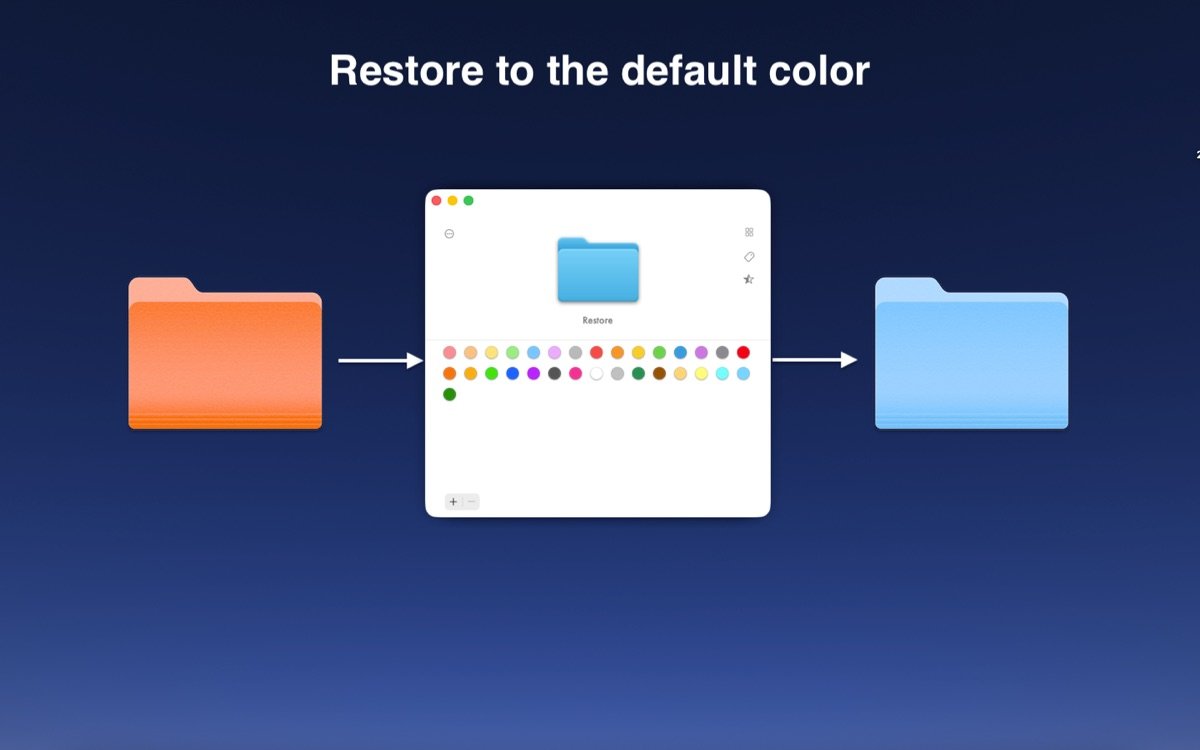
问:如果我不满意更改,能恢复原状吗?
答:软件提供一键还原功能,轻松返回默认蓝色文件夹图标。
问:Color Folder for Mac兼容哪些macOS版本?
答:它支持macOS Big Sur及以上版本,包括最新Sonoma和Sequoia系统。
问:如何导入个人图片作为图标?
答:在设计界面选择上传选项,挑选本地图片后调整大小和位置即可应用。










全部评论0